Junior Thinker
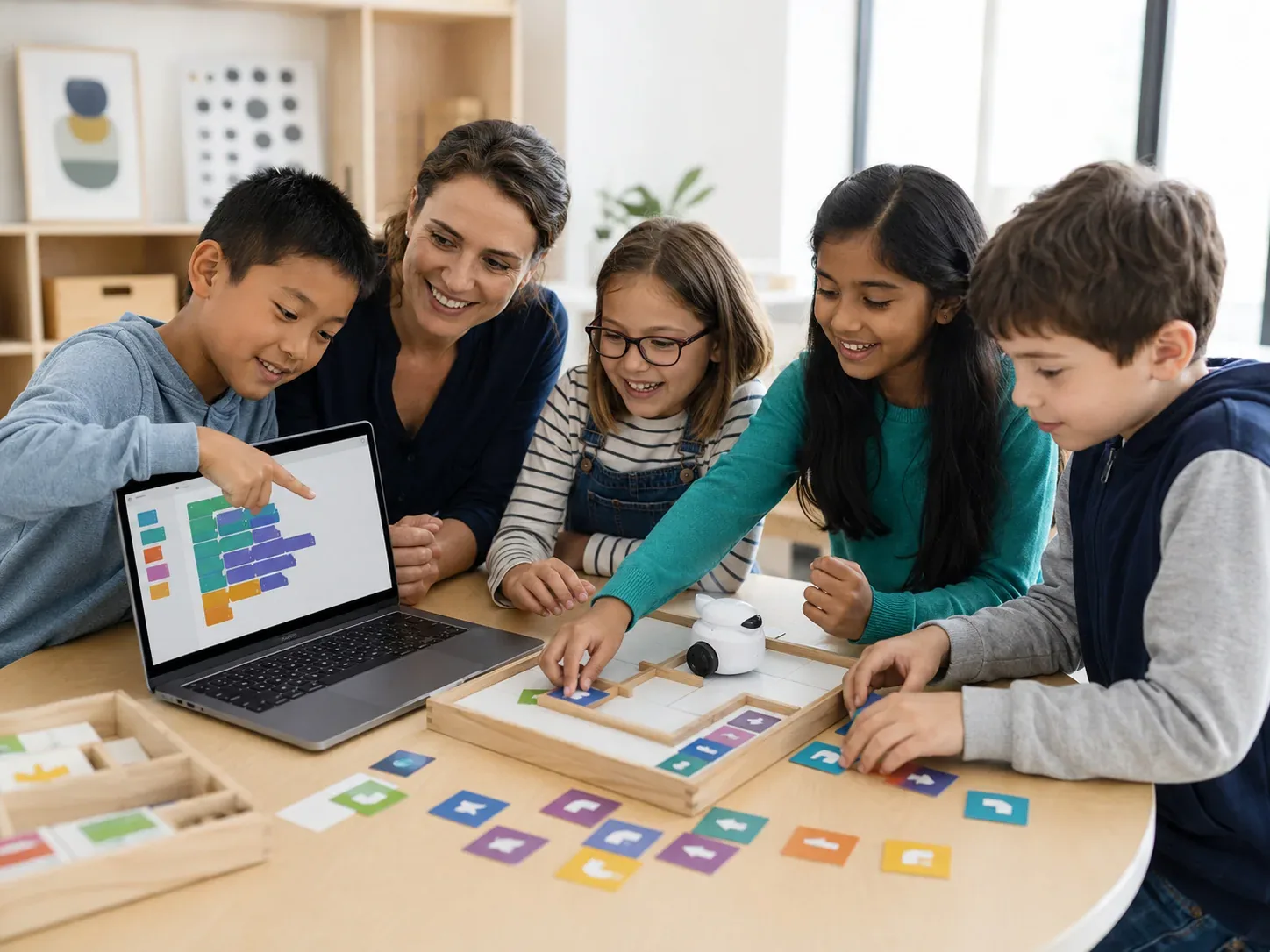
Visual coding, robotics, electronics, sequencing and early problem solving. Students learn cause and effect before typing fluency becomes a barrier.


Project-based coding for ages 5–18, with tools and challenge matched to reading level, prior experience and independence—not age alone.
 Build · debug · progress
The first language matters less than whether the student is challenged at the right level and keeps building more independently over time.
Visual coding, robotics, electronics, sequencing and early problem solving. Students learn cause and effect before typing fluency becomes a barrier.
Scratch, Python, robotics, web development, AI and creative projects. Prior experience helps determine where inside the pathway a student begins.
Advanced languages, software development, data, AI and larger projects that require stronger planning and debugging habits.
A strong coding class should give students enough support to keep moving, but enough independence to make decisions, test ideas and debug their own work.
Build games, websites, robotics projects, AI experiences and other work that gives each new concept a purpose.
Read errors, test assumptions and learn to fix problems instead of waiting for the instructor to take over.
Move from guided projects toward more independent planning, text-based programming, algorithms and larger systems.
 Small groups · visible progression
Reading fluency, keyboard comfort, prior coding experience, frustration tolerance and independence can all change the best starting point. A seven-year-old who reads confidently may be ready for a different environment than a seven-year-old who is still developing reading stamina. The same applies to older beginners.
That is why Coding begins with a real class. The instructor can see whether the student follows logic, asks useful questions, responds to errors and needs more or less challenge.
Choose 1×, 2× or 3× weekly. Coding can be the only track, or one of several tracks when the student is also ready for Math or Coding Contest Prep.
Each recurring class is 60 minutes. Exact track combinations depend on age, level and available schedule.
Choose the environment that lets the student think and build at the right level. Scratch can reduce typing friction for younger beginners; Python is useful when a student is ready for text-based logic; Roblox can be motivating when game-building is the main interest. The best first tool depends on readiness, not trendiness.
Progression should come from stronger independence, debugging and project planning—not simply from finishing a certain number of classes. Instructors increase difficulty as the student demonstrates readiness.
Contest Prep is a separate track inside the same membership. It becomes useful when a student already has programming fundamentals and is ready to work on algorithms, efficiency, data structures and timed problem solving.
Tell us the student’s age and experience. We will recommend a suitable first Coding class.